AI Receipt Generator

Generate custom receipts with AI in seconds. Write down what receipt you need and get one for you generated.

Make Receipt
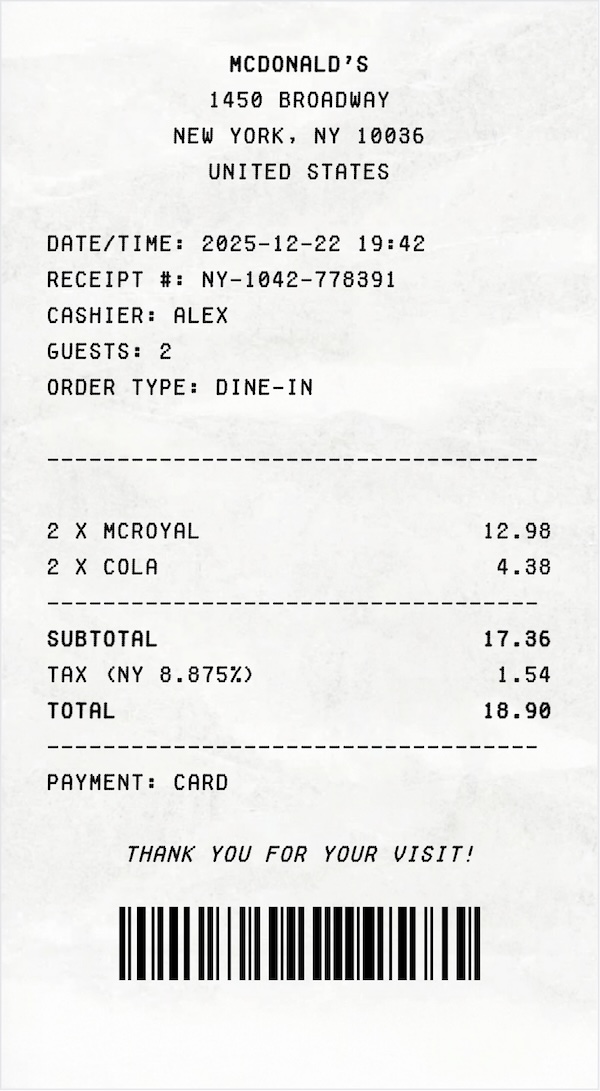
Generate Receipt From Prompt
Fully Customizable
Textures
No Watermark
Export as PNG

Guide

How to Generate a Receipt with AI?

Describe it, tweak it, download it. No templates, no hassle.

1. Describe the Receipt

Write a simple prompt explaining what kind of receipt you need. Merchant, items, prices, date-say it in plain language.

2. Edit Everything

Fine-tune any detail in the generated receipt. Text, numbers, layout - change whatever you want.

3. Download as PNG

Export the final receipt as a clean PNG file, ready to use or share.

Examples

3 Real-World Receipt Examples

Discover what type of receipts can you generate with our AI

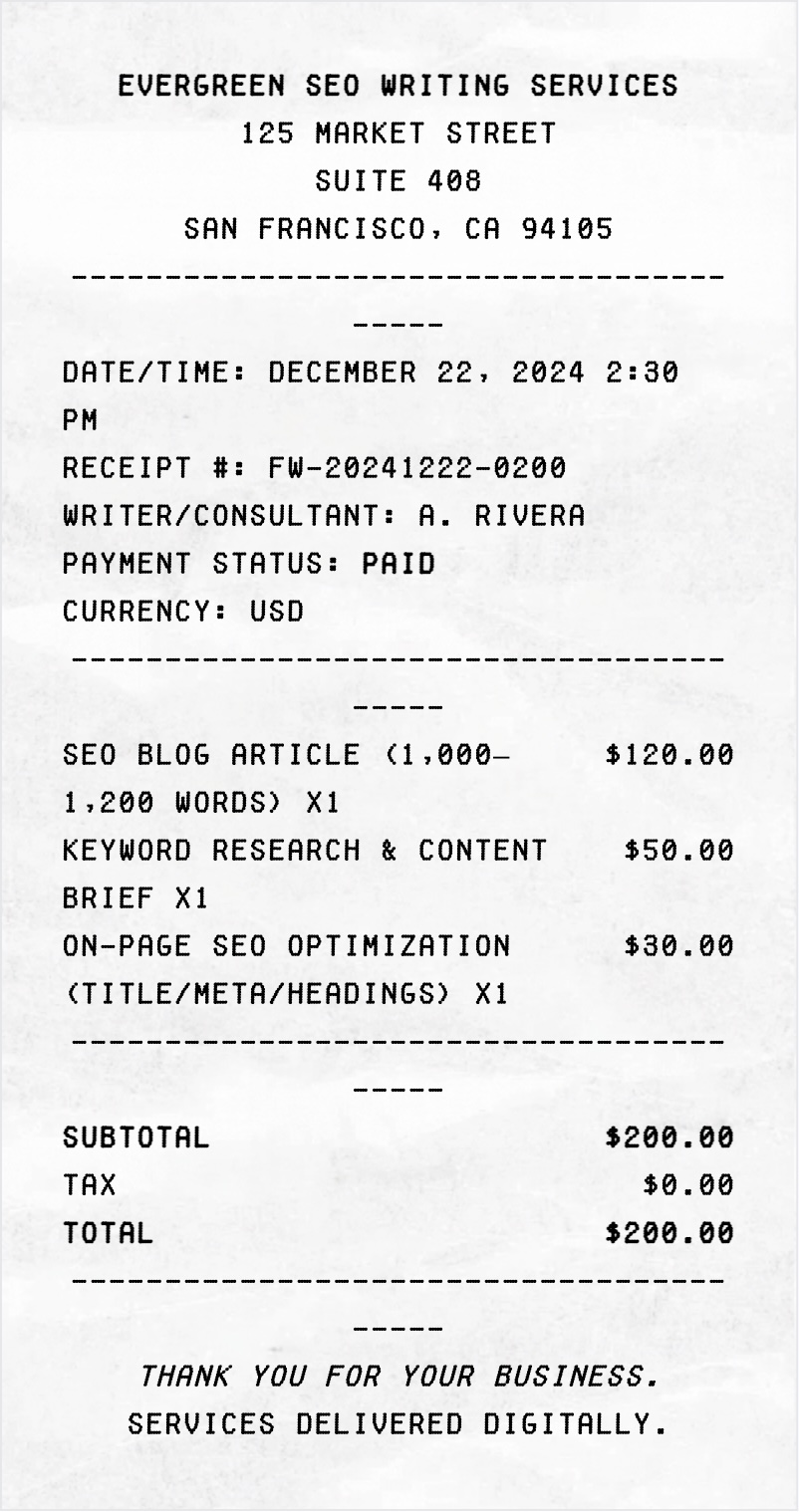
Freelancing

Prompt: "Create a professional freelance writing receipt dated December 22, 2024, for SEO-optimized writing services, showing a total amount paid of $200 USD"
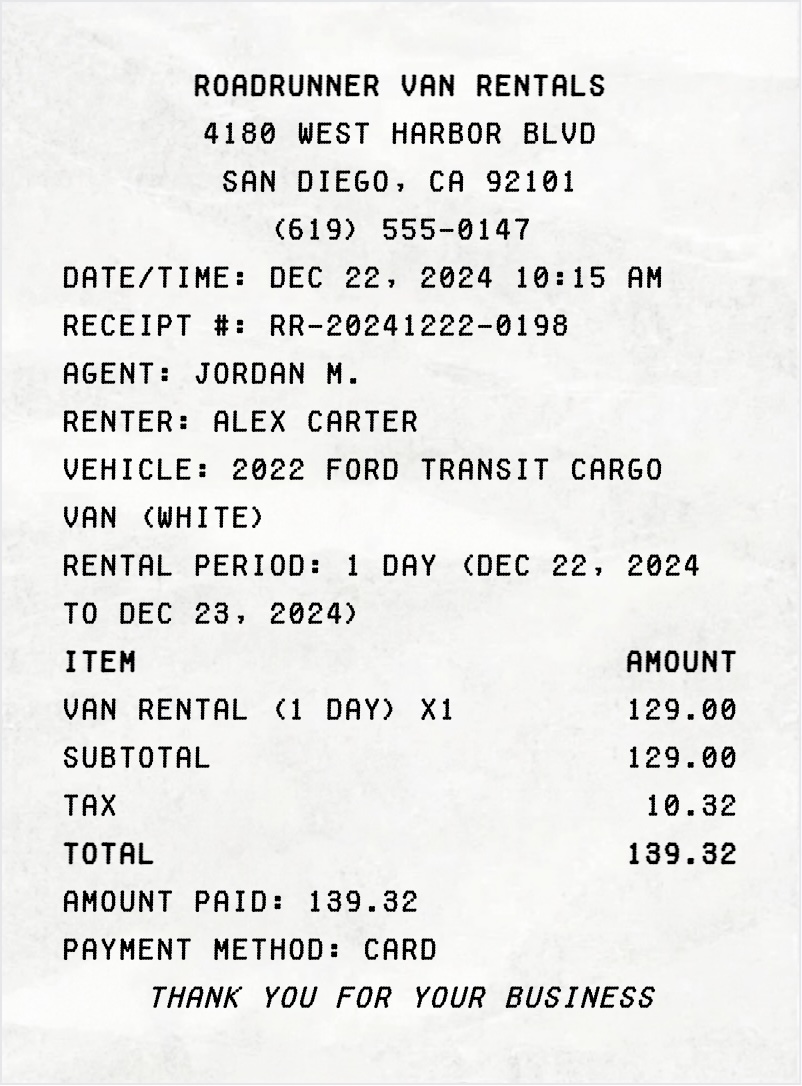
Rentals

Prompt: "Rental receipt dated December 22, 2024, for a one-day van rental, including a receipt number, rental company or owner name, renter name, vehicle description, rental period of one day, total amount paid"
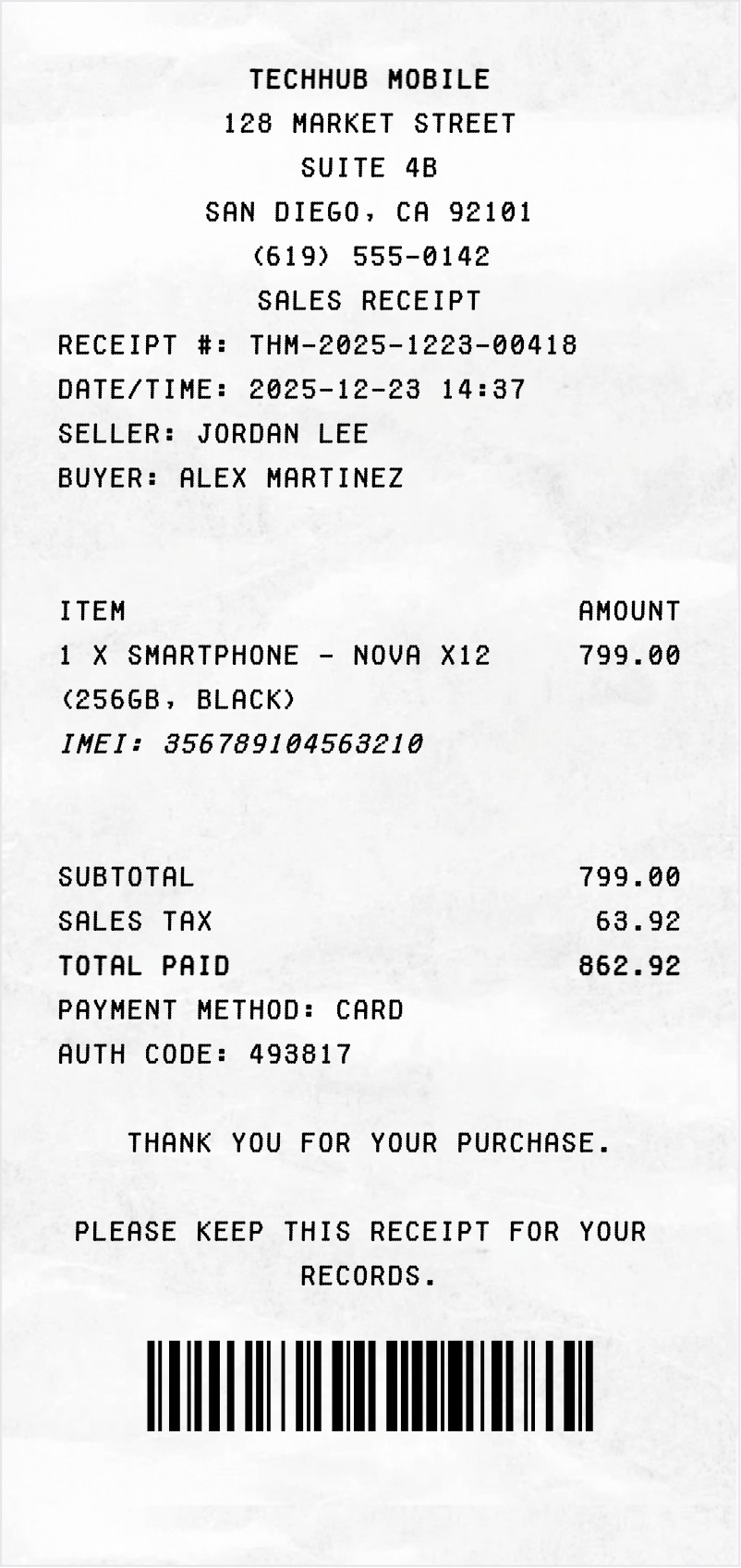
Sales

Prompt: "sales receipt for a mobile phone, including a receipt number, date, seller name, buyer name, phone description, total amount paid"
Frequently Asked Questions

Everything you need to know about ReceiptWorks.com

What is ReceiptWorks.com?
ReceiptWorks.com is an online tool for generating custom receipts, useful for replacing missing records, organizing personal finances, or converting paper receipts into digital form. It supports legitimate uses like rebuilding receipts for expense reports, tax documentation, or general business tracking.
Is is legal to use ReceiptWorks.com?
Using ReceiptWorks.com is legal when applied to legitimate tasks. The tool is built for creating replacement receipts for missing originals, digitizing paper receipts, and producing business mockups. Any attempt to use it for fraudulent purposes is prohibited.
Is ReceiptWorks.com free to use?
The core features are free - you can customize and export as many receipts as you want without creating an account. AI-powered receipt generation is a premium feature that requires credits, which you can purchase on our pricing page.
What types of receipts do you offer?
ReceiptWorks.com offers a wide range of professional receipt templates. See our Templates and Examples pages for more.
What file formats can I export the receipts in?
You can export the finalized receipt as a high-quality PNG image. More formats may be added in the future.
Can I edit all the receipt details?
Yes. Every field in every receipt is fully customizable - including names, dates, addresses, logos, fonts and textures.
Do I need to download any software?
No. ReceiptWorks.com runs entirely in your browser - no installs, no plugins, no Microsoft Word or PDF editor needed.
Is ReceiptWorks.com mobile-friendly?
Yes. ReceiptWorks.com is optimized for both desktop and mobile devices, so you can edit and export templates easily from your phone or tablet.
How does the AI receipt generator work?
Our AI receipt generator uses advanced language models to create realistic receipt content based on your description. Simply describe what you need - like 'grocery receipt for $47' - and the AI generates appropriate items, prices, and formatting automatically.
Do I need credits to use AI generation?
Yes. AI receipt generation requires credits. You can purchase credits through our pricing page. Each AI generation uses one credit. Manual editing and template customization remain free.
Can I edit AI-generated receipts?
Absolutely. Every AI-generated receipt opens in our full editor where you can modify any detail - text, prices, dates, formatting, and more. The AI gives you a starting point that you can customize to your exact needs.

Still got questions? Email [email protected]